mrlush

Shaders for Chroma, by MrLush

Made to move with your music

Shaders I’ve made for Chroma’s player. Get them from the Workshop inside Chroma.

NCS - Remake

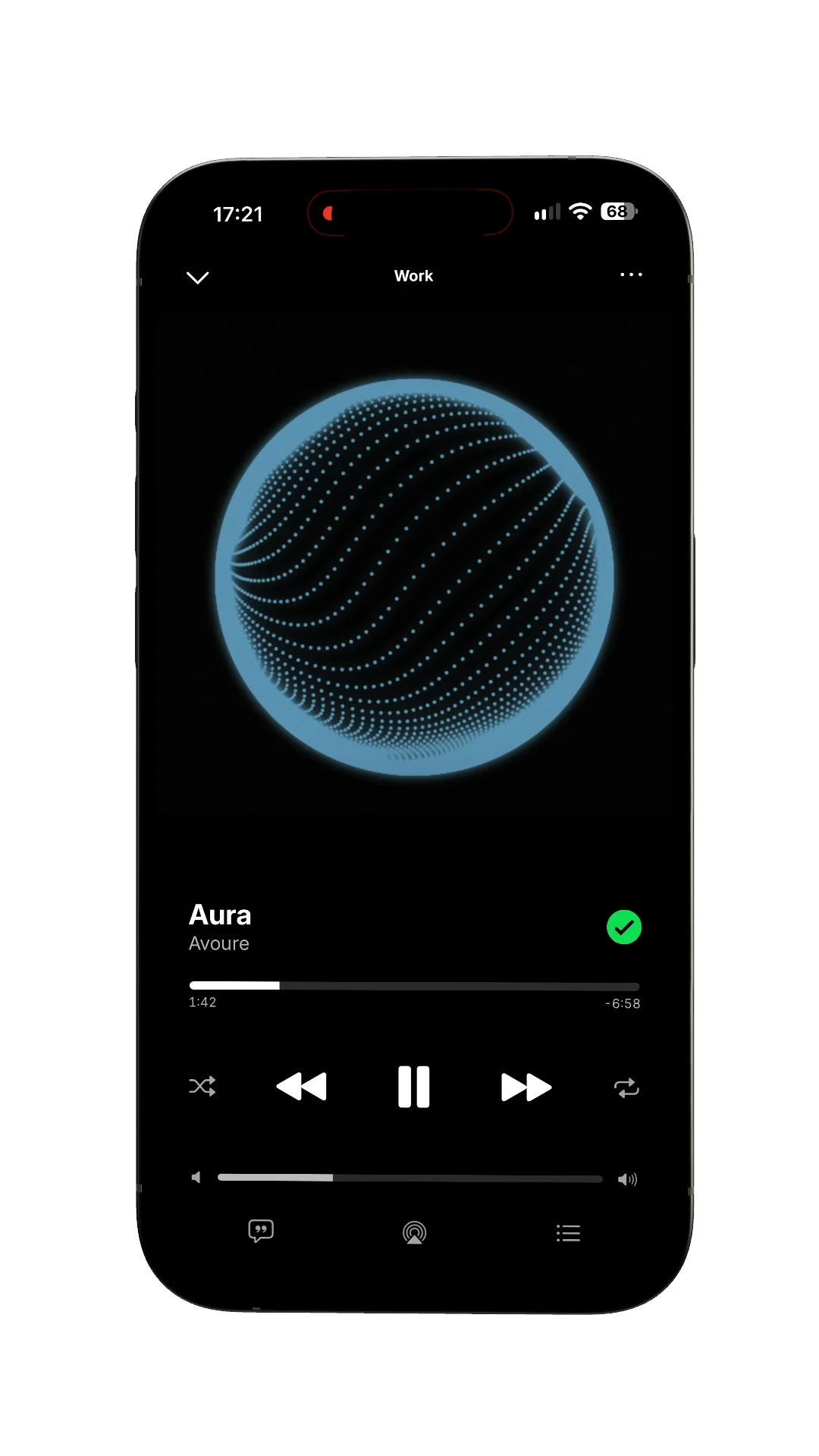
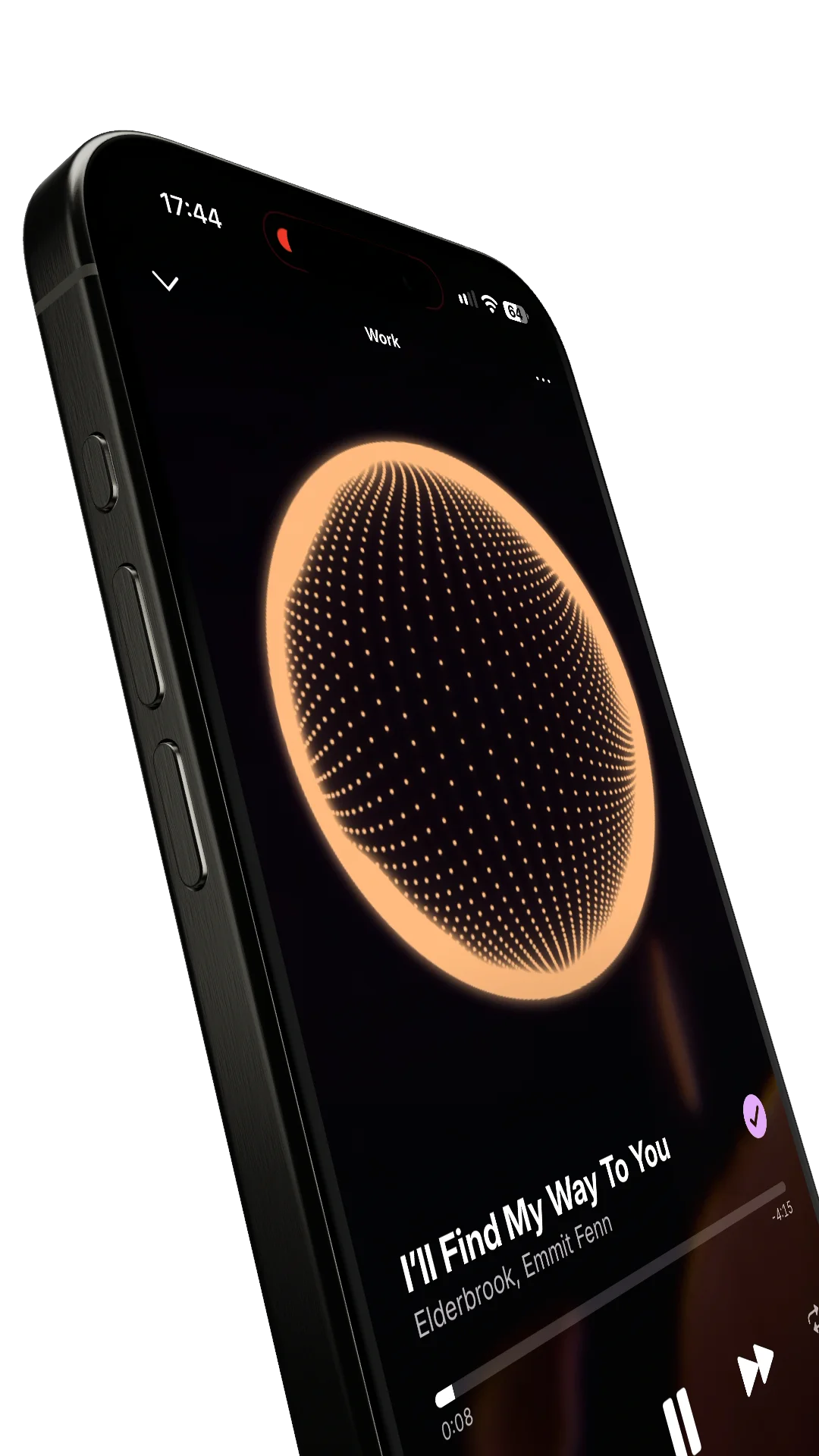
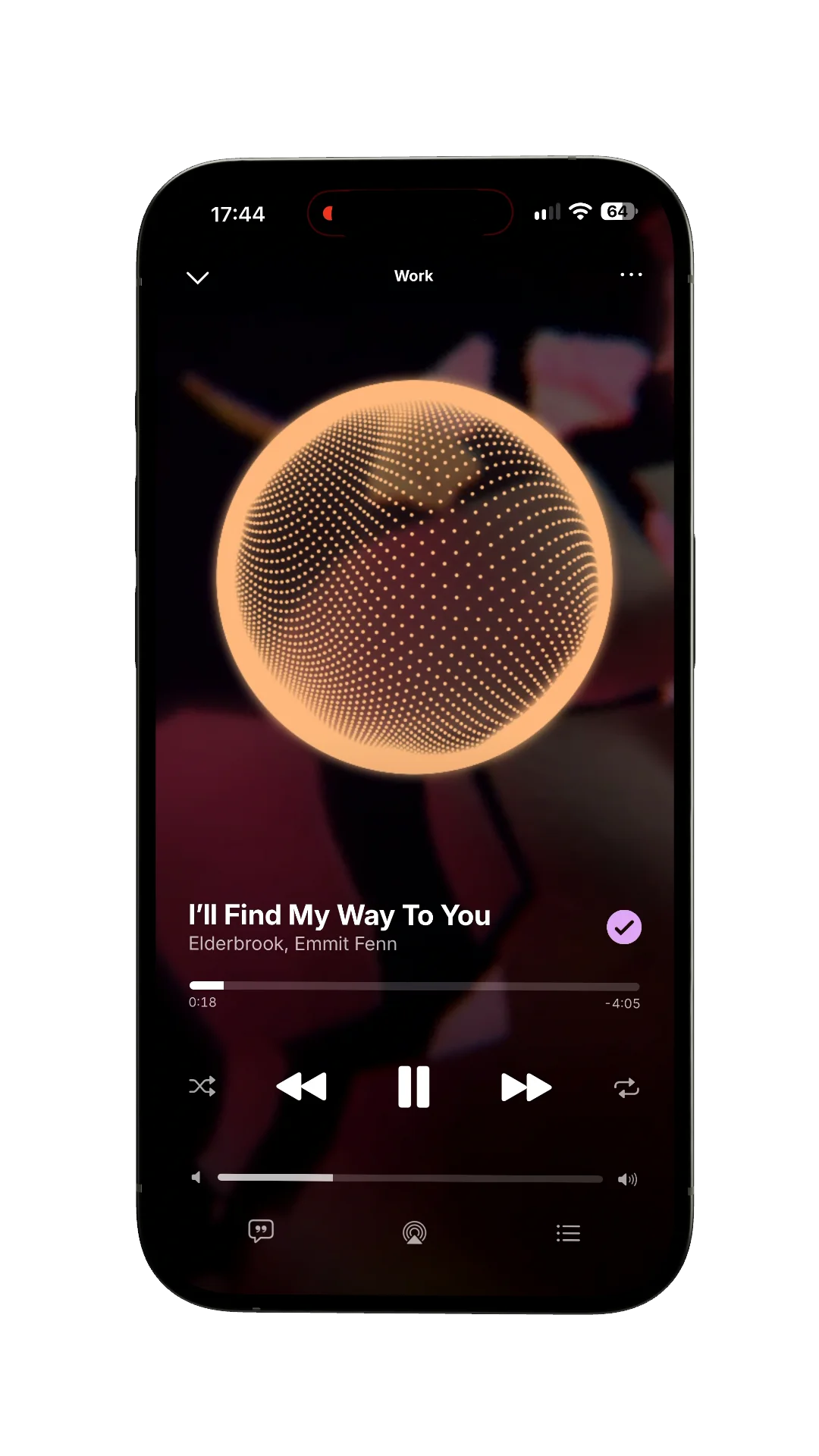
The NCS look from Konsl’s Spicetify visualizer, remade for Chroma: dots warped onto a sphere, a glowing ring that swells with the music, and a lattice that floods its face when the song gets loud.

Reacts to
Loudness, beats and bass
Tilt
None
Settings
8
How to get it

All my shaders

  • NCS - Remake

    The NCS sphere of dots, remade for Chroma.

  • Resonance

    A liquid-glass ball that morphs with every frequency.

  • Ripple

    A ball of clear water that ripples with the music.

How to install

From getting Chroma to picking your shader.

  1. Get Spotify 9.1.90, decrypted

    Chroma patches one exact version of Spotify, 9.1.90, and it needs a decrypted copy: App Store apps are encrypted, and only a decrypted IPA can be patched. Download the 9.1.90 IPA from ArmConverter.

  2. Patch it with Chroma

    Open Chroma’s patcher, choose the decrypted IPA and tap Patch. It runs in your browser, so nothing gets uploaded. Save the patched IPA. Shaders need Chroma Plus, which is very cheap each month.

  3. Sideload it

    Install the patched IPA with the sideloading guide. If Feather says the lock screen won’t work until you change the bundle ID, go to Settings → Signing Options → Identifiers and tap +. Set Value to com.spotify.client and Replacement to the one it asked for, then sign and install it again.

  4. Download a shader

    Open Spotify and hold the Home button to open the mod settings. Go to Workshop → Shaders, search for the shader you want, then tap Download, then Use.

  5. Switch any time

    Change shader in Workshop → Shaders. Or, on the player, tap the three dots at the top right → Artwork, make sure Visualizer is on, and scroll down: every shader you’ve downloaded is there.

  6. Make it yours

    Under that list of shaders, tap Adjust to change the shader’s settings, if it has any.